No complete official map is published in the public Steam description.
Low-spoiler location guide
Scary Game 2 Map: Locations, Landmarks, and Route Planning
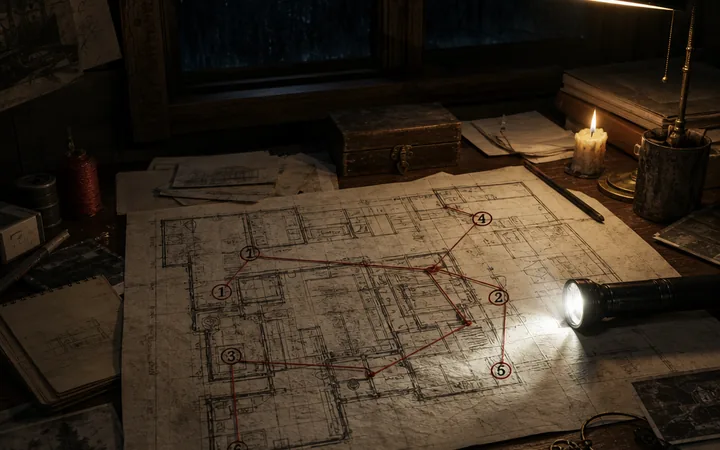
Use this Scary Game 2 map as a memory aid for the village, houses, barn, church approach, and other route landmarks. It explains how to orient yourself without pretending that an unofficial sketch is a complete official map.
Location names are separated into first-party premise, player-guide observation, and editorial route advice. Verify a changing detail against the live Steam listing or your current build.
Quick answer
What does the Scary Game 2 map help you remember?
There is no first-party full map published with the public store description. A useful Scary Game 2 map guide therefore works as a landmark index: remember the opening barn, the village path, the houses used as checks, and the church or cemetery approach, then use the last changed landmark to choose your next move.
Use landmarks to recognize a loop, a house-side scene, or the next gate without guessing coordinates.
The page names places and evidence boundaries but avoids ending triggers and full puzzle inputs.
First-party premise is separated from observations in a public Steam Community guide.
Steam confirms a village, empty barn, abandoned places, environmental clues, and weapon-free exploration; it does not publish coordinates or a numbered chapter map. This guide helps you identify where you are and choose the right focused guide without exposing an ending or puzzle solution.
Scary Game 2 map locations
Landmarks to use as a mental map
Do not treat every label as an official chapter name. Use the following places as recognition points, record what you can verify in your build, and return to the narrow guide linked below when the question becomes a code, key, or ending problem.
1
1. The opening barn
The official premise says the shepherd wakes to feed the animals and finds the barn empty. The Steam Community guide also places the first story achievement after entering it. Use the barn as an early anchor, then note which path changed after the discovery.
Evidence: Steam store premise plus a player achievement walkthrough; no fixed room layout is claimed.
2
2. The village approach
Use the village path as a connector, not a coordinate grid. Remember your entry direction, nearest door or gate, and the sound or light change before the next objective. A short note such as barn, path, house is more reliable than invented map coordinates.
Use it for: Route orientation; Steam confirms the village setting but does not name every street.
3
3. Mr. Grandpa's house
A public Steam Community guide identifies Mr. Grandpa's house and an optional interaction near its steps. Use the house as a route marker, but do not infer that its interaction is required for the main ending.
Evidence: Player-source observation; verify the interaction against the current achievement state.
4
4. The Chief's house
The same community guide points to a desk interaction in the Chief's house. Record the house beside the object you saw, then keep that optional achievement check separate from story progression.
Use it for: Recognizing an optional house-side check, not a universal route trigger.
5
5. Church and cemetery approach
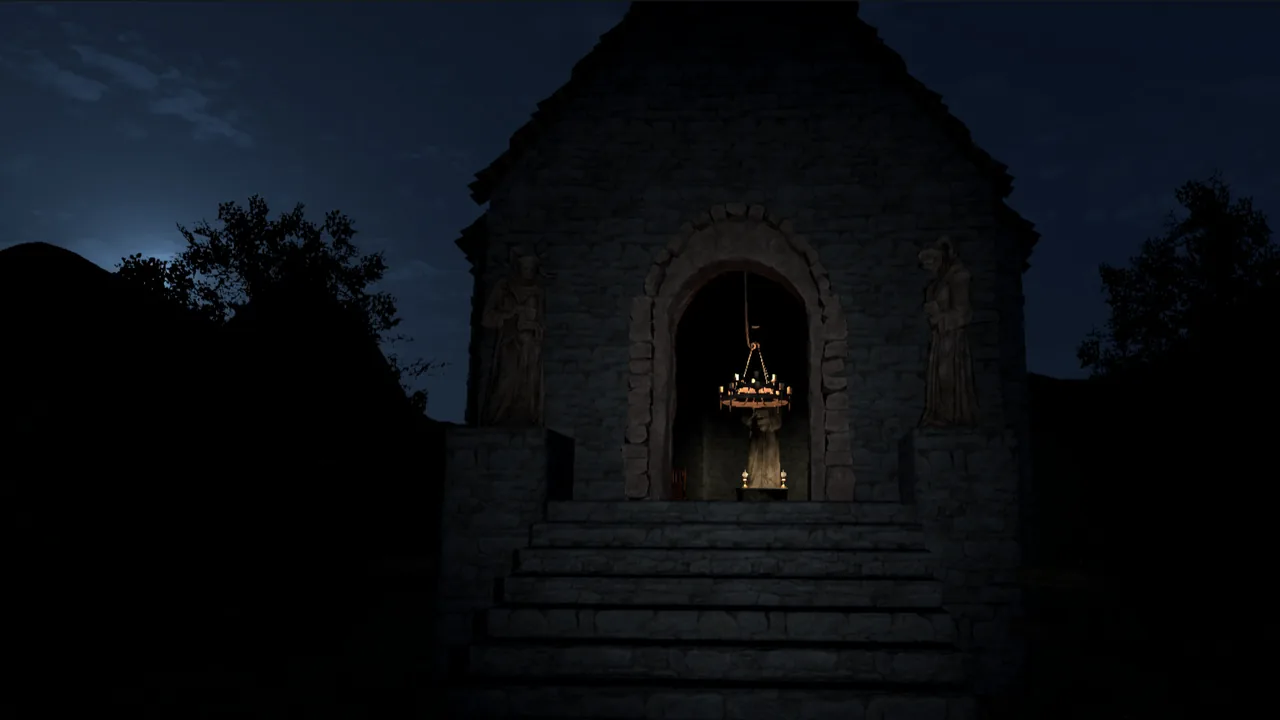
Use the exterior, gate, and surrounding path as visual checks when you reach this area. If a key or rotating lock is the real blocker, switch to its focused guide instead of searching the whole map.
Boundary: No coordinate, chapter number, or universal key trigger is claimed.
6
6. The house-side bird scene
The bird-on-the-toilet moment is a visual house-side landmark, not a coordinate. The dedicated bird guide explains the doorway and porch relationship; return to the walkthrough when you need the next objective.
Related guide: The site's focused bird guide does not call the scene a collectible or ending requirement.
How to plan a route with the map
A good Scary Game 2 map note records relationships, not fake precision. After every meaningful change, write the landmark, the new access point, and the clue that caused it.
| Map question | First check | Best next page |
|---|---|---|
| Where am I? | Name the last landmark and the direction you entered | This location index, then the walkthrough if the loop is unclear |
| Which house is this? | Compare the doorway, nearby path, and the interaction you just saw | Bird or achievements guide for the focused scene |
| Why is the route blocked? | Check the last changed door, item, or clue | Puzzle or key guide, not a random code list |
| Did I miss an optional scene? | Record the build and the location before reloading | Achievements or the dedicated visual guide |
| Is this an ending path? | Protect the save and stop reading broad spoilers | Endings guide only when you are ready |
Record the current landmark, last door or gate, and changed object. If a video disagrees with your screen, note its date and build, then trust what you can reproduce. Keep exact codes and ending branches on their dedicated pages.
Visual anchors for the Scary Game 2 map
These three local WebP assets are editorial aids. They are not presented as official screenshots or as a pixel-perfect game map; the nearby captions and body text explain what each image is useful for.

When the map does not match your screen
Differences do not automatically mean the game is broken. First isolate a route-state mismatch, then test the smallest reversible check.
You keep returning to the same path
Note the last changed door or object and revisit it once. If nothing differs, use the walkthrough's stuck-state advice rather than wandering farther.
Two houses look similar
Label each by nearby landmark, approach direction, and one interaction. Do not treat a video title as an official location name.
A gate or lock is your real blocker
Use the map to locate the obstacle, then switch to the key or lock guide for its clue logic.
A video uses another layout
Check its date, build, and language. Treat edited footage as a visual hint until you reproduce the landmark in your run.
What this map guide does and does not claim
This is a location and orientation article, not a complete official map. Steam supports the broad premise, while a Steam Community guide records player-observed interactions; third-party pages and videos are leads to check, not canon. Keep those evidence levels visible in your notes.
Scary Game 2 map and locations FAQ
Short answers for players who want a location clue without opening a full spoiler walkthrough.
The public Steam description confirms the village, barn, abandoned places, and exploration, but it does not publish a complete numbered map or coordinate list. This page is an editorial landmark index and labels player-source observations separately.
Use the opening barn as your first anchor, then record the village path and the direction to the next house or gate. The barn is supported by the official premise and a public Steam Community achievement guide.
No. A location index should tell you where you are, not replace clue logic. Use the dedicated lock guide when the rotating mechanism is your actual blocker, and keep its input steps out of a low-spoiler map check.
It is best treated as a memorable house-side visual scene. The site's bird guide explains the doorway, porch, and small-room relationship; this page does not claim that the scene is a collectible or a required ending condition.
The video may use another build, language, edit, or starting point. Check its date and compare the last changed landmark, then trust what you can reproduce in your current run rather than copying an unverified chapter label.
Use the map to identify the place and the walkthrough to decide the next action. If the obstacle is a code, key, or ending branch, move to the focused puzzle, key, or endings page so you do not read unrelated spoilers.
Sources and evidence boundaries
The page combines first-party premise facts with clearly labeled player-route observations. No source below is used to invent an official map that it does not publish.
Steam store page
First-party source for the village premise, empty barn, exploration focus, no-weapons boundary, and current store facts.
Read official premiseSteam Community achievement guide
Player-source route evidence for the barn, Mr. Grandpa's house, Chief's house, and optional interactions. Treat it as a reproducible lead, not official canon.
Open community guide