Puzzle solving
Searching for the clue yourself can add more time than the entire direct route. Use the puzzle guide for spoiler-light hints before opening a full solution.
Playtime planning
A direct run can fit into roughly 30-60 minutes, but a blind first playthrough may take longer when you inspect rooms, solve puzzles without answers, retry danger sections, or clean up achievements. This is an evidence-based planning range, not an official completion time from the developer.
Checked July 13, 2026. Steam confirms a single-player exploration game but does not publish an official completion time, so the ranges below combine full-gameplay evidence, player-time context, and the site's spoiler-light route analysis.
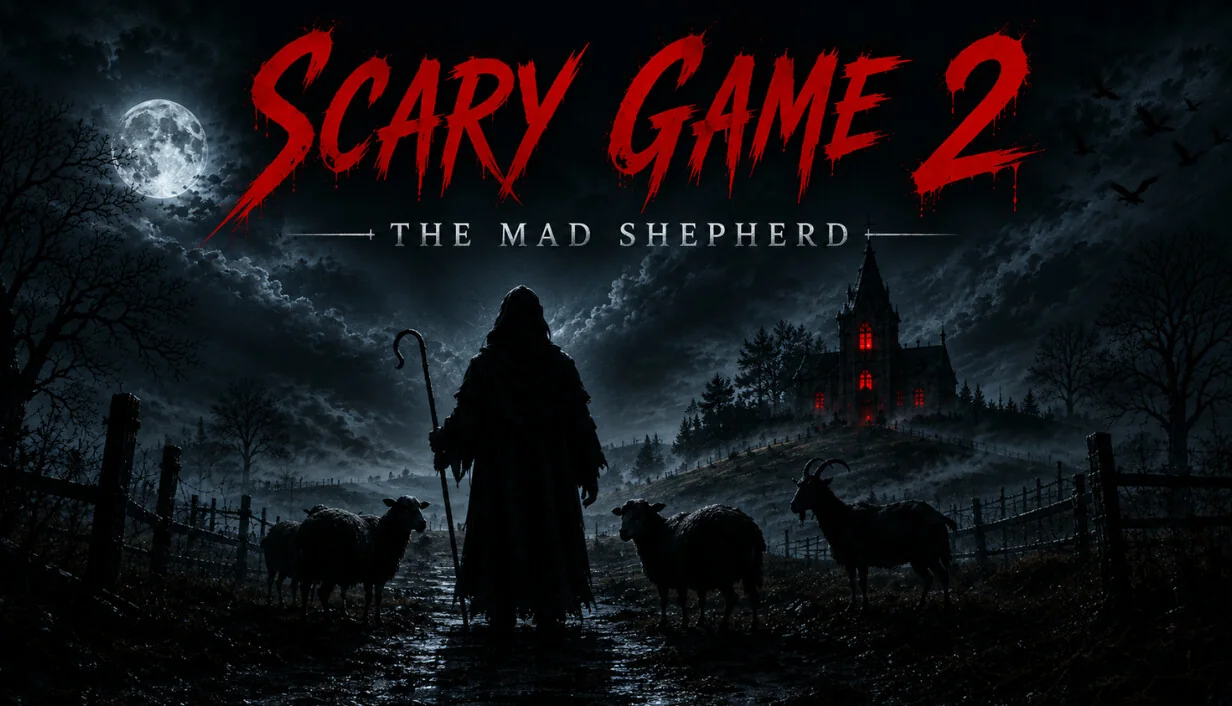
Use the range that matches how you plan to play rather than copying the timestamp from one edited video.
For players who keep moving, understand the puzzle flow quickly, and do not stop for every optional check.
A safer planning window when you explore, read clues, test wrong solutions, or repeat tense sections.
Allow extra time for missed interactions, hidden conditions, alternate checks, and replaying sections.
Steam and the developer listing do not provide a formal completion-time promise.
These are planning ranges, not speedrun records. Pausing, watching videos, leaving the game idle, or replaying after an ending can make Steam playtime much higher.
| Play style | Estimated time | What changes the result |
|---|---|---|
| Focused first run | 30-60 minutes | Fast clue reading, few retries, limited optional exploration |
| Blind exploration run | 45-90 minutes | Room checking, note reading, puzzle testing, cautious movement |
| Spoiler-assisted run | 25-50 minutes | Known route and solutions; excludes video watching time |
| Achievements / completion | 60-120+ minutes | Missed triggers, cleanup, replay, ending or achievement checks |
The game is short enough for one sitting for many players, but a first blind run should not be scheduled as an exact 30-minute session.
The Mad Shepherd is built around exploration and puzzle pressure, so the largest time differences come from player behavior rather than a fixed chapter count.
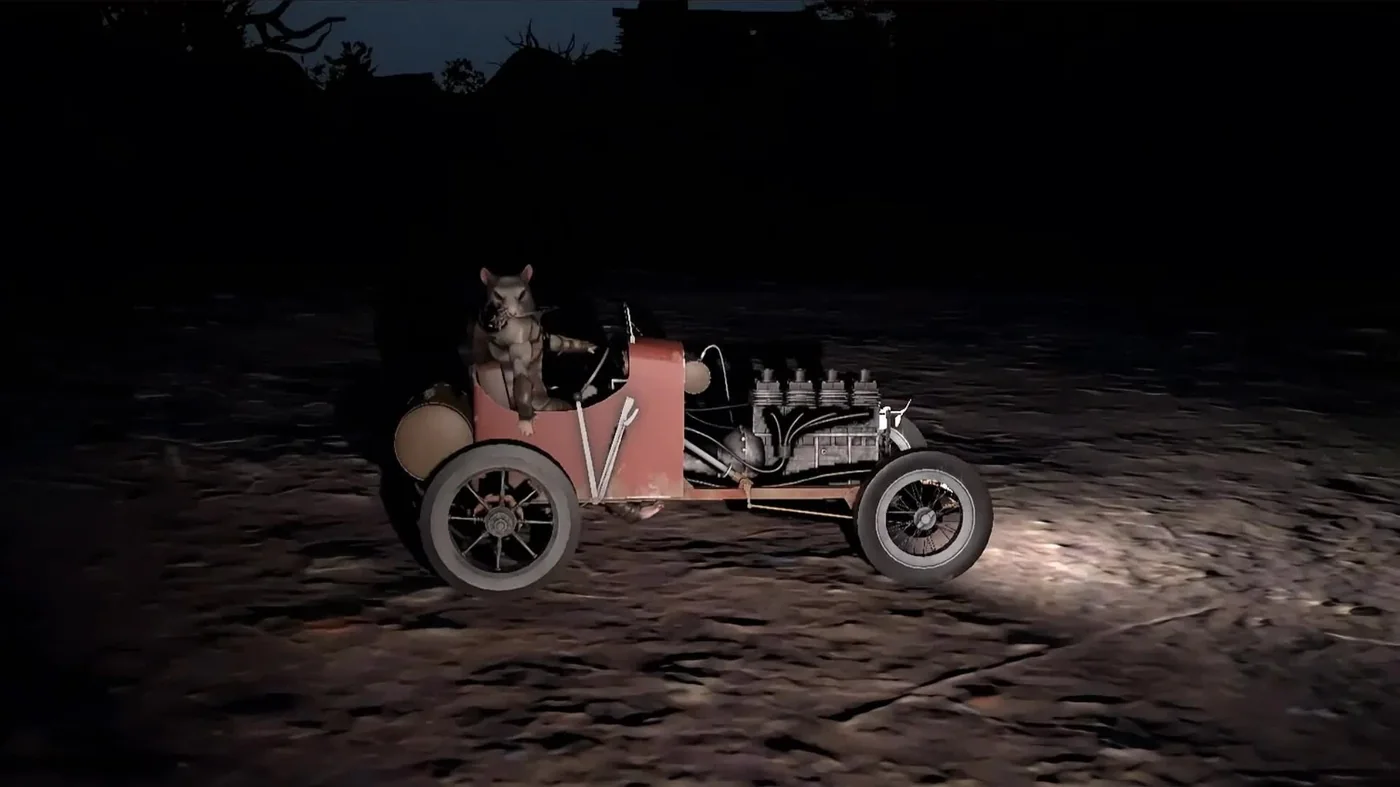
Searching for the clue yourself can add more time than the entire direct route. Use the puzzle guide for spoiler-light hints before opening a full solution.
Checking every door, prop, note, and dead end creates a slower but more complete first experience.
A failed sequence, missed interaction, or cautious movement can add repeated minutes even in a compact game.
Completion-focused players may revisit areas or replay a route. Separate first-completion time from cleanup time.
Steam records an open game, not only active progress. Menu time and pauses should not be treated as a clean how-long-to-beat result.
Choose a baseline, then add time only for the behaviors you actually expect.
This is a practical middle range for a normal first attempt without assuming perfect puzzle knowledge.
Use the extra block if you inspect optional spaces, read slowly, or avoid walkthroughs.
Use it if you prefer solving every clue alone or expect repeated danger sequences.
Achievement or ending cleanup is easier to plan separately than to force into the first run.
A strongly related full-gameplay search helps confirm that this is a compact horror experience. Video length can include cuts, menus, commentary, retries, or known solutions, so compare it with your own play style.
YouTube full-gameplay search for this exact title. It may reveal puzzles, endings, and achievements; use it after a blind attempt if you want to avoid spoilers.
The time question becomes easier when you separate route, puzzle, achievement, and purchase-check intent.
Use the spoiler-light route when you need order and checkpoints, not a minute-by-minute speedrun.
Open walkthroughGet hints before full answers so one puzzle does not consume the entire session.
Open puzzle guideTrack the ten Steam achievement slots and plan cleanup after the first ending.
Open achievementsCheck PC readiness before counting download, setup, or troubleshooting as playtime.
Check requirementsShort answers for the queries that sit around the main game-length intent.
Use first-party sources for game identity and media, then treat community timing as directional evidence rather than an official promise.
Confirms the exact title, single-player category, exploration framing, screenshots, trailer, achievements, and current store context.
Open SteamUseful for route and completion context; guide length and author skill can differ from a blind first run.
Open guidesUseful for checking whether a proposed range is plausible, but videos can be edited, optimized, or spoiler-heavy.
Search gameplay