Move close and center the lock
Stand where the lock fills enough of the screen to make each button easy to target. Avoid clicking the door or background geometry.
Combination lock solution
Enter 3, 1, 6, and 7 in that order. Then rotate the entire lock once and repeat the same four-number sequence until you have completed three rounds. The puzzle uses mouse dragging rather than a normal interaction key.
Checked July 15, 2026. The exact combination and control method come from a Steam Community guide by mtay3m. Steam confirms the game identity and supplies the official screenshots; the guide is community evidence, not a developer-authored walkthrough.
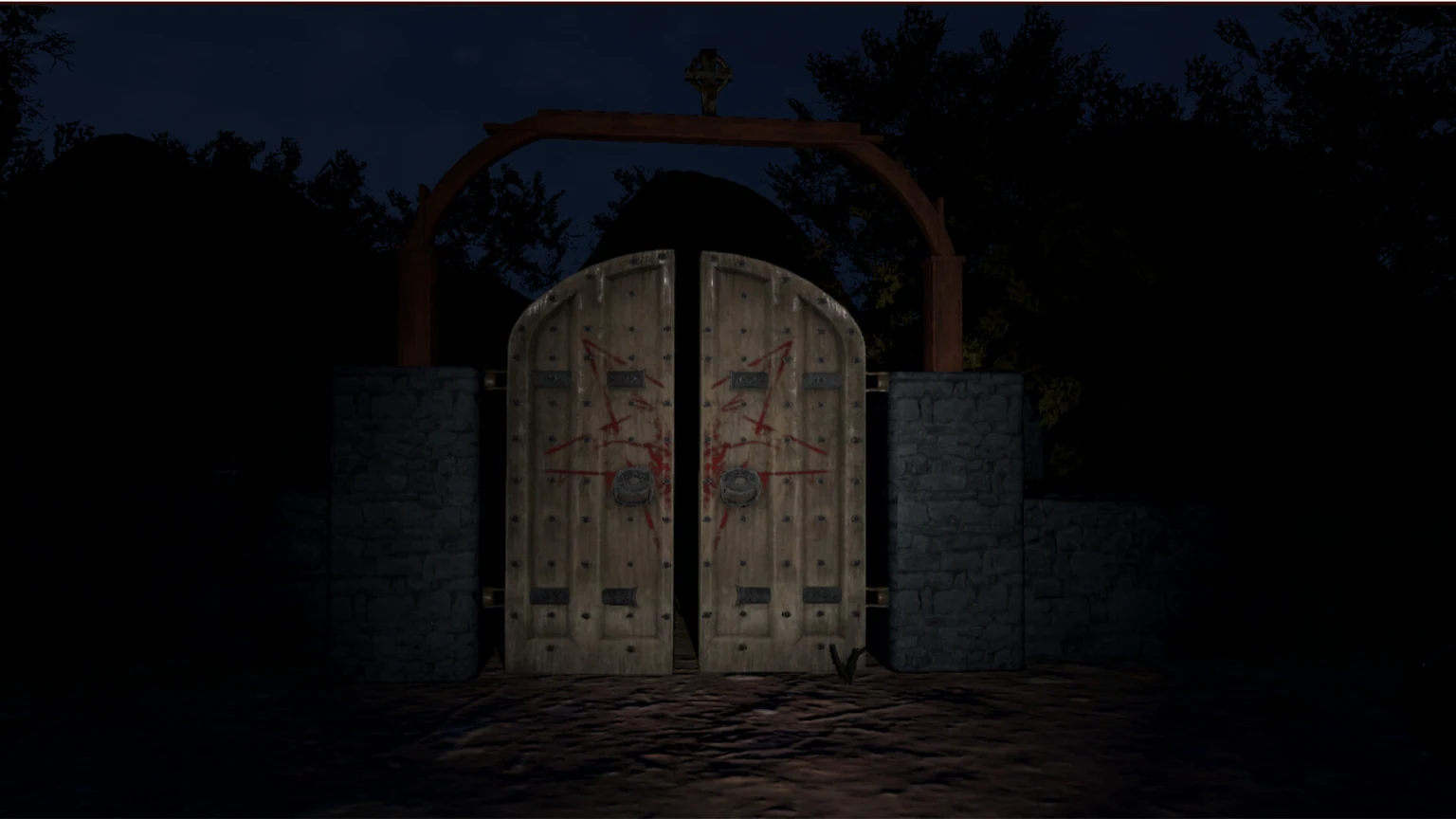
The blocker has three parts: the digits, the rotation between rounds, and the unusual mouse control.
Press the four buttons in this exact order.
Rotate the entire lock after each four-number cycle, then repeat.
Click a lock button and drag in the direction of its engraved arrow.
Do not wait for an E-key prompt; manipulate the lock directly with the mouse.
Complete the sequence as a controlled loop. Finishing the four digits once is only the first round, so stopping after 3167 is the most common reason the lock appears not to work.
After entering 3-1-6-7, rotate the entire lock once and enter 3-1-6-7 again. Complete three total rounds before judging the solution.
| Round | Input | What to do next |
|---|---|---|
| 1 | 3 → 1 → 6 → 7 | Rotate the entire lock once. |
| 2 | 3 → 1 → 6 → 7 | Rotate the entire lock once again. |
| 3 | 3 → 1 → 6 → 7 | Finish the cycle and allow the unlock response to complete. |
The puzzle is easy to misread as a keypad. It behaves more like a physical object that you manipulate directly, so use the lock's engraved arrows as movement cues.
Stand where the lock fills enough of the screen to make each button easy to target. Avoid clicking the door or background geometry.
Place the cursor over the required number button, hold the left mouse button, and keep it held while beginning the movement.
Move the mouse in the direction indicated on the lock. A plain click may not register the intended physical motion.
Use the same control for every digit, rotate the complete lock between rounds, and avoid changing the digit order.
Before assuming the game is bugged, check the input method and round count. These errors can make the correct combination look wrong.
Hold left-click on the numbered control and drag in the direction of the engraved arrow. Do not rely on the normal interaction key.
Enter 3, 1, 6, and 7 without inserting another number. Finish the complete four-digit cycle before rotating the whole lock.
One sequence is one round, not the full solution. Repeat the same sequence for three total rounds with a whole-lock rotation between rounds.
Re-center the cursor, retry from the start, and reload the latest checkpoint if the physical input stops responding. Compare your movement with the linked Steam guide.
This page separates first-party game facts from player-authored puzzle instructions so a useful solution is not presented as an official developer statement.
| Claim | Status | Evidence |
|---|---|---|
| The game is Scary Game 2: The Mad Shepherd on Steam | Official | Steam store app 4479970. |
| The lock sequence is 3-1-6-7 | Community-verified | Steam Community guide by mtay3m. |
| The sequence must be repeated three times | Community-verified | The same guide explains rotating the whole lock between attempts. |
| The lock uses left-click and drag | Community-verified | The guide describes dragging each button along its engraved arrow. |
| The local images show the exact lock UI | No | They are official environment screenshots and are labeled as context, not proof of the lock interface. |
The community guide was updated May 14, 2026. If a later game patch changes the puzzle, verify the current behavior before treating this sequence as permanent.
Use the specific lock fix here, then return to the broader route and spoiler-light puzzle pages.
Use clue-first troubleshooting for other blockers without jumping directly to every solution.
Open puzzle guideReturn to the main route order after the lock opens and keep progress notes for later branches.
Open walkthroughTrack the ten Steam achievement slots while avoiding unnecessary replay.
Open achievementsThe story key is not the 3167 rotating lock. Use the dedicated key route and progression checks.
Open the cemetery key guideShort answers for locker code, password, gate-key, and control searches that often point to the same blocker.
The community guide supplies the puzzle method; first-party Steam material supplies game identity and official media.
Player-authored Steam Community guide with the 3-1-6-7 sequence, three-round instruction, and mouse-drag controls.
Open guideConfirms the exact game, release context, official screenshots, and developer-published store information.
Open SteamUse current discussions and guides to check whether a later patch changes puzzle behavior or controls.
Open community hub