Start with visible clues
Write down symbols, note wording, repeated audio cues, locked doors, item names, and room layout before reading a solution. The missing clue is often a state detail, not a hidden code.
Ayuda de puzles con pocos spoilers
Usa esta guia cuando The Mad Shepherd te bloquee con una pista, ruta cerrada, objeto interactivo o puzle cerca de una persecucion. Separa pistas de soluciones completas y te mantiene lejos de descargas no oficiales.
Media note: local images on this page are editorial puzzle-planning illustrations, not official Scary Game 2 screenshots or real gameplay footage. Verify store media and current build details on Steam.
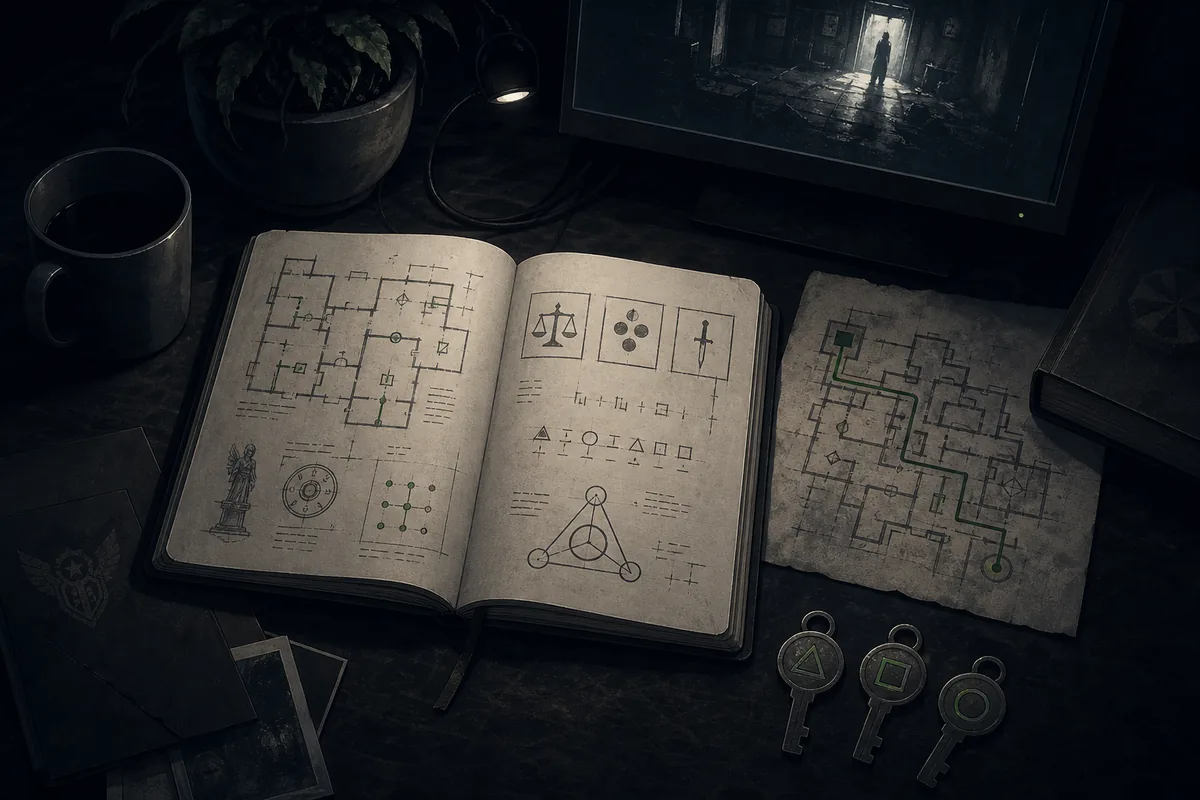
La mejor ayuda resuelve el bloqueo sin revelar todas las ramas posteriores. Esta pagina se centra en leer pistas, probar con seguridad y verificar.
Use it when one clue, lock, route, or item interaction blocks progress.
Hints come before full-solution behavior so first-run players keep story control.
The page links to official store context and avoids APK, crack, keygen, or mirror advice.
Images explain puzzle workflow and are clearly labeled as editorial visuals.
Use the full walkthrough when the problem is route order rather than one puzzle.
Patch changes can alter triggers, interactables, saves, or achievement cleanup.
Antes de buscar una solucion completa, aisla el tipo exacto de problema: pista, objeto, ruta o tiempo.
Write down symbols, note wording, repeated audio cues, locked doors, item names, and room layout before reading a solution. The missing clue is often a state detail, not a hidden code.
If a door, key, switch, or object does not respond, confirm whether another room, checkpoint, or choice needs to be completed first.
Move from observation to nudge, then to partial route, and only then to full solution. That keeps the story and ending branches intact.
If a video or comment gives different steps, compare upload date, Steam build context, and your save state before assuming the guide is wrong.
Usa la escalera en orden para reducir spoilers: cada paso pide una evidencia mas antes de llegar a la solucion.
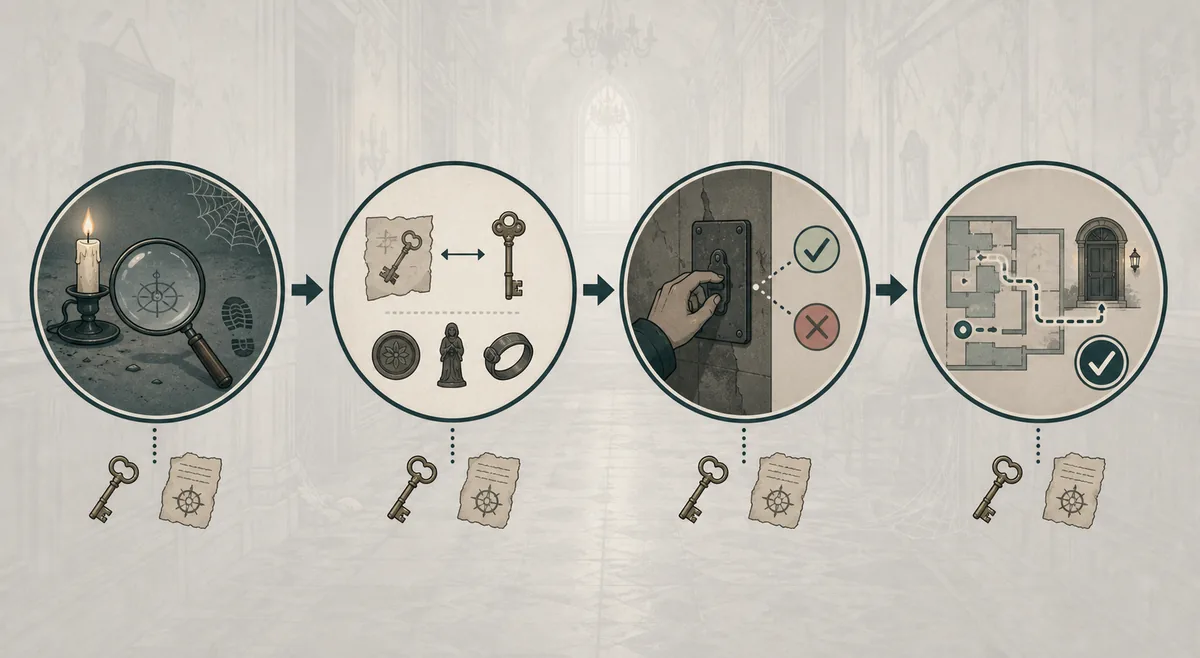
Scan the current room before moving. Note doors, symbols, objects that highlight, sound cues, and any clue that repeats after a checkpoint reload.
ObservationCompare clue shapes, numbers, colors, or directions with items you already carry. Do not assume a code is missing until every carried item has been checked in context.
InventoryTry one switch, route, or input sequence at a time and watch whether the objective, audio, lock, or enemy behavior changes. Avoid random repeated inputs that make the state hard to read.
TestingIf the same state repeats, then use a written solution or video around that exact moment. Stop watching once the blocked interaction is resolved.
VerificationEsta tabla indica que revisar antes de abrir un video completo.
| Stuck state | Likely missing check | Spoiler-safe next step |
|---|---|---|
| A lock or keypad accepts nothing | A nearby note, symbol order, item inspection angle, or earlier room state | Record the visible clues, then search for the exact lock or room rather than the ending. |
| A key item seems useless | The route may require a trigger, door state, or paired object before the item becomes active | Return to the last objective update and test the item only at related doors or mechanisms. |
| A chase interrupts puzzle reading | The puzzle may have a safe loop, hiding spot, audio tell, or timing window | Use video for timing only, then pause before the next story reveal. |
| The objective text does not update | A checkpoint, collectible, or optional interaction may be incomplete | Reload once, compare the room state, and check whether another route card in the walkthrough fits better. |
| A solution from a video does not work | The video may use a different build, save state, or edited sequence | Compare upload date, Steam release context, and any patch notes before repeating the same input. |
| A puzzle may affect an ending | The route may branch later rather than immediately | Protect the save and move to the endings guide only after the first clear or confirmed branch evidence. |
A hint path tells you what kind of evidence to inspect next. A full solution tells you the final input, item order, or route. Both are useful, but they serve different moments. For a first run, begin with hints so you still experience the puzzle logic and tension of The Mad Shepherd.
Full solutions are better after the puzzle has stopped being fun: repeated failed inputs, a confusing checkpoint loop, or a chase section where text cannot describe timing clearly. When you need video, scrub only around the blocked room and stop before the next cutscene, collectible route, or ending branch.
This page stays separate from the general walkthrough because puzzle intent is narrower. The walkthrough answers route order and play-session planning; this guide answers how to approach one blocked puzzle without turning a small clue into a full-story spoiler.
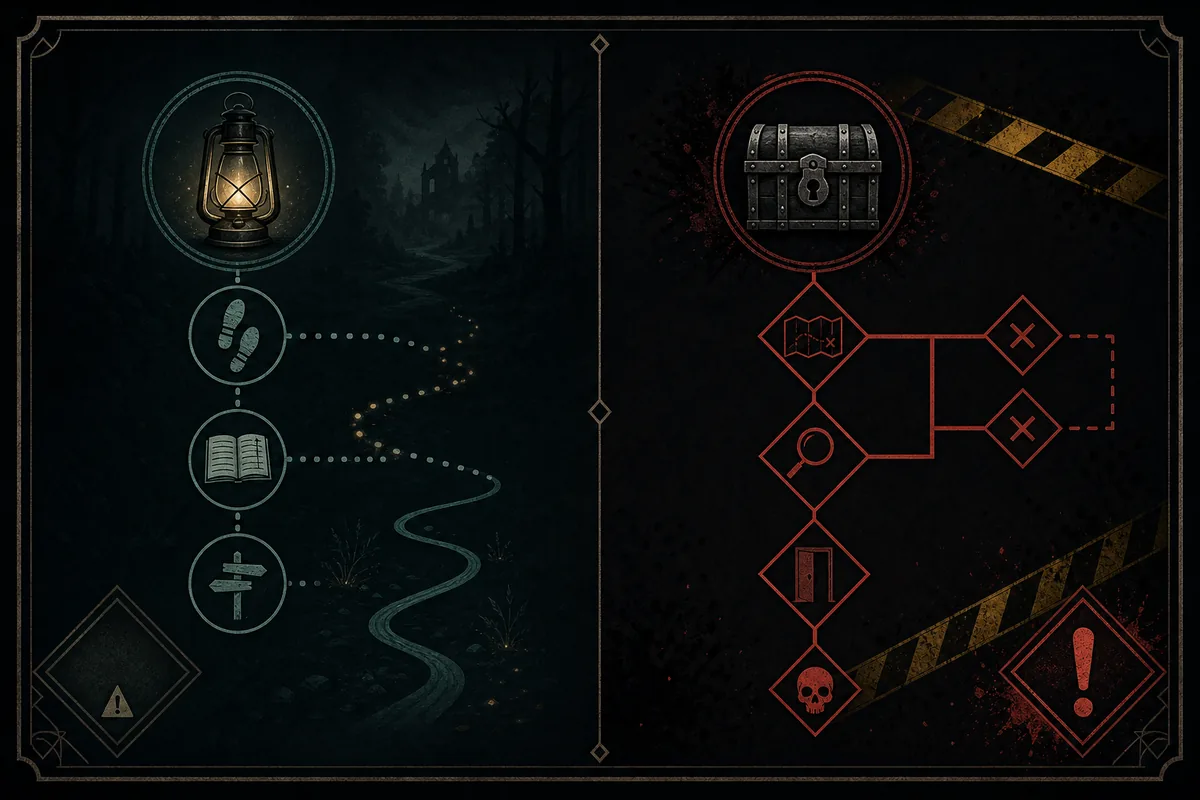
Controles practicos para resolver el problema inmediato sin romper limites de seguridad.
If a puzzle might affect a branch, collectible, or achievement, record the checkpoint or create a clean save before experimenting.
Some horror puzzles rely on repeated sounds, timing, or silence after an interaction. Check audio cues before assuming a clue is visual only.
A solution can fail when the route state differs. Check the previous door, objective, and item pickup before repeating the final input.
Do not use APK, crack, keygen, trainer, or mirror pages to bypass a puzzle. This wiki points to Steam and editorial guides only.
Las imagenes son ilustraciones editoriales WebP; los medios oficiales siguen estando en Steam.
Usa estas paginas cuando la duda pase a ruta, final, logro o fuente oficial.
Use the low-spoiler route guide when the issue is chapter order, checkpoint planning, or a broader play session.
Open walkthroughMove here when a puzzle may affect branch logic, save protection, or post-clear route comparison.
Open endingsTrack Steam achievement slots without guessing hidden puzzle-related unlocks too early.
Open achievementsUse Steam for live screenshots, trailer, release details, requirements, achievements, and install controls.
Open SteamUsa 3-1-6-7, gira toda la cerradura y controla el mecanismo con el ratón.
Abrir guíaRespuestas cortas para recibir ayuda sin abrir todos los spoilers.
No. It is a spoiler-light puzzle guide and stuck-state framework. Exact room-by-room solutions should be added only when they can be checked against the current release build or reliable gameplay evidence.
Use the walkthrough when you need route order, checkpoint planning, or chapter-level orientation. Use this page when one clue, lock, item, or room interaction blocks progress.
No. They are local editorial illustrations for puzzle-planning concepts. Use the official Steam page for current screenshots, trailer, release details, and store media.
Start with visible clues, compare inventory and route state, test one change, and only then open a targeted solution or short video segment around the blocked room.
It may, depending on the final build and route logic. Protect your save before experimenting and verify branch claims through the endings guide, achievements tracker, Steam, or current gameplay evidence.
No. ScaryGame2.blog does not host or recommend APKs, cracks, trainers, keygens, or mirror installers. Use Steam for official ownership and installation.